Laser Cutting vs CNC RoutingWhich method is right for your NZ project?
Both laser cutting and CNC routing are capable, digital-first fabrication methods — but they solve different problems. Picking the wrong one costs you time, money, or quality. Here’s how to make a confident call before you commit.
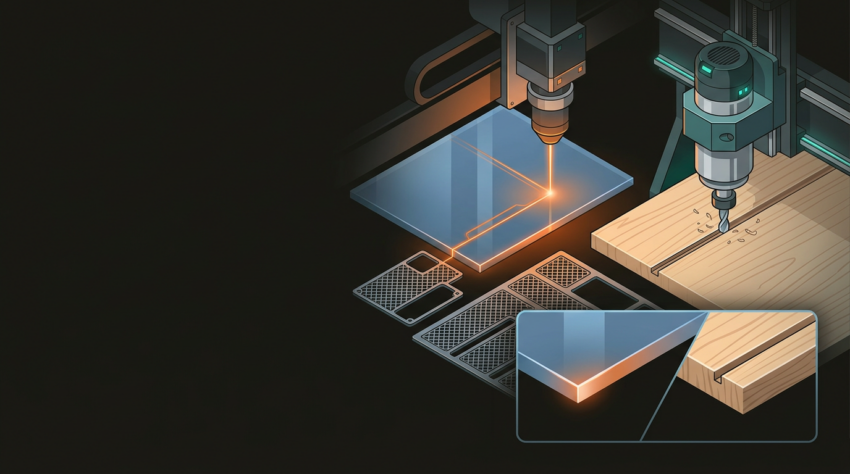
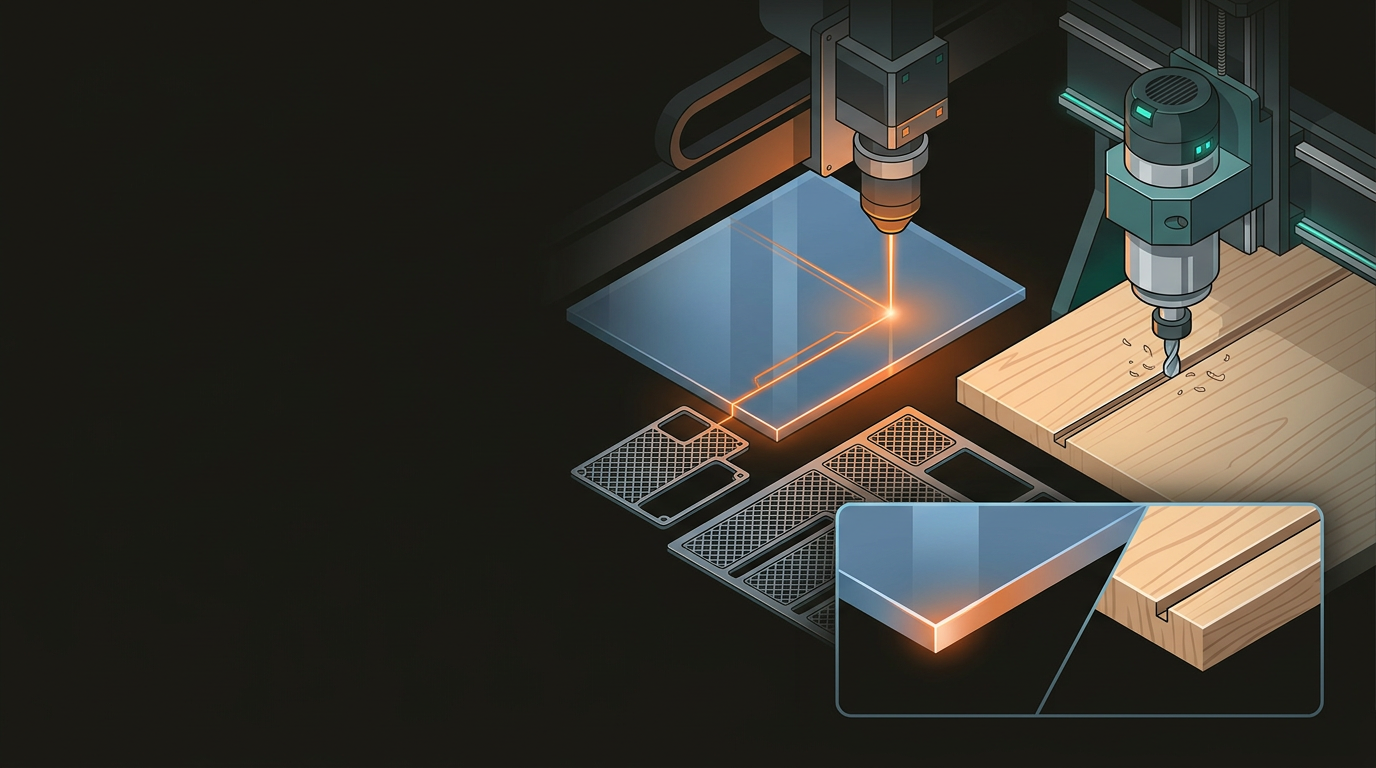
Before comparing them head-to-head, it helps to understand what each process is physically doing to your material.
Contact-free thermal cutting
A focused high-intensity beam burns, melts, or vaporises material along a programmed path. Kerf width is typically less than 0.2mm — no mechanical force on the workpiece at all.
Mechanical material removal
A spinning cutting bit guided by computer-controlled X, Y, and Z axes physically removes material by cutting. The bit diameter sets the minimum internal corner radius, and mechanical force is always involved.
Both methods are driven by digital files — typically DXF, SVG, or CAD formats — and deliver excellent repeatability. But how they work determines where each one earns its keep.
Material choice usually settles the decision. The two methods have genuinely different ranges, and a few materials are off-limits for one of them entirely.
Laser Cutting — Where It Wins
- Acrylic — polished flame-finished edges straight off the machine
- Plywood up to ~20mm, depending on density
- Leather and fabric — clean, sealed, fray-free cuts
- Cardboard and paper — packaging prototypes, templates
- Thin metals — brass and mild steel with the right laser type
- Surface engraving — logos, serial numbers, fine decorative detail
CNC Routing — Where It Wins
- Structural timber and hardwood — joinery, furniture, cabinetry
- MDF and particleboard — full 2400×1200mm sheet processing
- Aluminium — brackets, panels, 3D-profiled structural components
- HDPE and polypropylene — plastics that melt and warp under a laser
- Foam and marine composites — signage substrates, lightweight parts
- PVC — must never go near a laser; releases chlorine gas when cut
That last point is worth being direct about: PVC releases chlorine gas when laser-cut — a genuine health and safety issue, not a minor inconvenience. A CNC router handles these materials safely and cleanly.
For intricate detail — fine lattice patterns, small text, complex interlocking parts — laser cutting wins. The narrow kerf and zero contact force mean you can cut features a router bit couldn’t reach without breaking or distorting the surrounding material.
Laser Cutting
- Kerf under 0.2mm — extremely fine internal detail
- No minimum internal corner radius
- Acrylic: flame-polished edge, no post-processing required
- Timber: slight charring on edges — often acceptable or deliberate
- 2D only — no depth or 3D profiling possible
- Zero mechanical force on the workpiece
CNC Routing
- Minimum internal corner radius = bit diameter ÷ 2
- A 6mm bit leaves a ~3mm radius on all internal corners
- True 3D work: relief carvings, pockets, chamfers, contoured surfaces
- No heat-affected zone — smooth finish ready for sanding
- Suitable for sculpted or profiled surface geometry
- Mechanical force — workpiece must be firmly clamped
If your project involves sculpted or profiled surfaces, routing is the only option. A laser works purely in two dimensions and has no answer for depth machining of any kind.
Concrete examples are more useful than abstract comparisons. Here are six common NZ fabrication briefs and which method wins each one.
Custom café signage — acrylic lettering, 5mm thick
Laser cutting. Clean polished edges, precise letterforms, no post-processing required. No contest.
Retail display unit from 18mm MDF
CNC routing. Structural depth, large-format sheet, joinery detail. A laser can’t handle that thickness, let alone the mechanical strength requirements.
Prototype electronics enclosure — ABS plastic, 3mm
Laser cutting is possible for ABS with good ventilation, though CNC routing or 3D printing may suit better depending on the geometry and wall-thickness tolerances required.
Decorative wall panels in 3mm plywood — 600 units
Laser cutting. Fast, repeatable, high detail, and tight nesting keeps material waste low at that volume.
Aluminium mounting brackets — 6mm thick
CNC routing. Cutting aluminium at that thickness requires a high-powered fibre laser; routing is typically more practical and cost-effective at this scale.
Personalised leather goods — wallets, keyrings, batch engraving
Laser cutting, every time. Precise, clean cuts with sealed edges, and fast for high-volume engraving and cutting alike.
Neither method is universally cheaper or better — cost and quality depend on material, thickness, complexity, and volume. Run through these to reach a confident answer.
And sometimes the answer is both. A project combining CNC-routed structural components with laser-cut detail panels is more common than you’d think — and often produces the best result.
GeoSaffer operates laser cutting and CNC routing in-house in Auckland. Send through your files or a project brief and get a practical recommendation — no obligation, no sales pitch, just an honest take on what will actually work best for your project.
Get a fabrication recommendation →