Maker · CNC Routing · Workshop Guide
The Spacemakers —
CNC Routers That Won’t Take Your Whole Garage
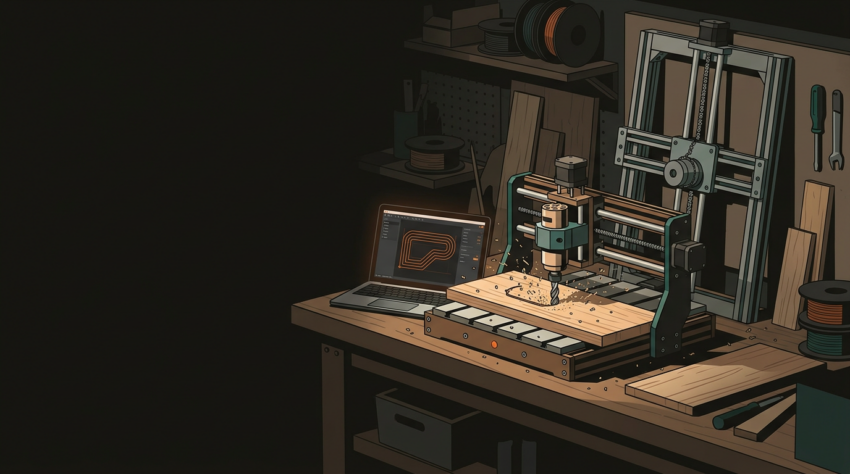
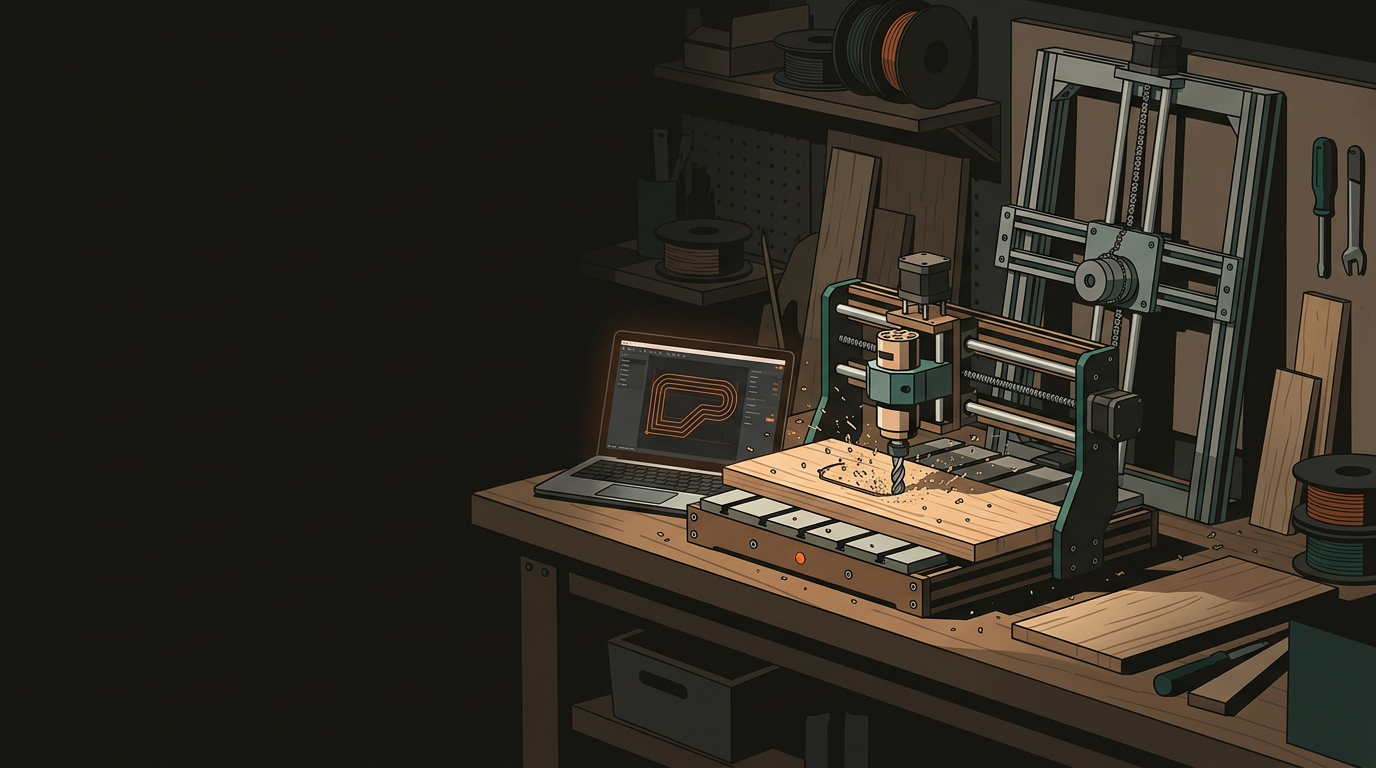
Full-sized CNC routing tables are impressive machines — they’re also genuinely enormous. A growing class of compact routers is built for makers who need real capability without needing to knock out a wall.
Why Space-Efficient CNC Is Having a Moment
The maker movement didn’t just produce enthusiasts — it produced a genuine demand signal that manufacturers noticed. Hobbyists wanted machines that could live in a spare room or half a garage, handle real materials (hardwood, aluminium, thick acrylic), and not require a forklift to install.
The result is a new generation of compact CNC routers that punch well above their footprint. They won’t replace a full industrial routing table for production volume — but for custom parts, signage, furniture components, jigs, and one-off builds, they’re surprisingly capable.
4×8 ft footprint plus clearance on all sides. Needs a dedicated shop. High throughput — designed for production volume, not small garages.
Fits on a workbench. Handles wood, acrylic, and foam well. Suitable for prototyping and small-batch work without a dedicated space.
Leans against the wall when idle — zero floor footprint. Can cut a full 4×8 sheet. Accuracy trade-offs exist towards the sheet edges.
Small machine footprint, long workpiece capability. Routes pieces longer than the machine itself by advancing material through in sections.
Three Machines Worth Knowing
Each of these machines solves the space problem differently. Understanding which approach suits your workflow will save you from an expensive mismatch.
Yeti Tool SmartBench — The Modular Workhorse
About 1.2 metres long, but a clever modular extension system lets you route pieces far longer than the machine itself by advancing the workpiece through in sections. Handles hardwoods, softwoods, plastics, and aluminium with the right tooling. The base unit tucks against a wall when not in use. Pitched at professional users in small workshops — the build quality reflects that price point.
Maslow — The Wall-Mounted Wildcard
Suspends a router from chains and uses a counterweight system to move it across a vertically-mounted sheet of material. When not in use, the frame leans against the wall — your floor space is completely free. The Maslow 4 addresses the accuracy problems of the original. For signage, speaker cabinets, and flat-pack furniture where a millimetre of tolerance is acceptable, this is a remarkable amount of capability for almost no floor space.
Shapeoko / X-Carve — The Accessible Entry Point
The most widely used compact CNC routers in the maker world — with good reason. Desktop-scale versions genuinely fit on a workbench. The software (Easel for X-Carve, Carbide Create for Shapeoko) is well-polished and beginner-friendly. Both are upgradeable. The communities around both machines are enormous, which means almost no problem you’ll hit hasn’t already been documented somewhere.
What to Actually Think About Before Buying
Beyond the spec sheets, these are the practical questions that tend to catch people off guard — often after the machine is already in the garage.
Material & Cutting Depth
- Most compact routers handle timber and plastics well
- Aluminium requires rigidity — verify which machines can handle it cleanly
- Know your primary use case before committing to a machine class
Dust Extraction
- CNC routing produces significant fine dust and chips
- In a small garage this matters — for your lungs and the machine
- Budget for a proper dust shoe and extraction setup from day one
Noise
- Routers are loud — residential garages mean neighbours exist
- Think about when you’ll run the machine and whether that becomes a problem
- Some compact machines use brushless spindles with better noise profiles
Software & Learning Curve
- The CAD-to-CAM pipeline takes real time to learn
- Some machines have far more approachable software than others
- If you’re new to CNC, weight this heavily in your decision
Local Support
- When something goes wrong — and eventually something will — local expertise matters
- Discovering warranty involves six weeks of international freight is a bad day
- Check NZ-based parts sourcing before buying an imported machine
Upgradability
- Some machines grow with you — expand the cutting area as projects grow
- Others are fixed — what you buy is what you get
- Consider where your projects will be in two years, not just today
Own vs Outsource — The Honest Calculation
Most machine manufacturers won’t tell you this: for many makers and small businesses, buying a compact CNC router is the wrong call. If you need CNC routing for a handful of projects a year, the maths of machine ownership — purchase price, learning time, consumables, maintenance, floor space — often doesn’t stack up against getting parts cut professionally.
Owning Your Machine
- On-demand access — no lead time, no scheduling around others
- Fast iteration for prototyping — tweak the file and re-run immediately
- Satisfying to operate and learn; the machine is yours
- Full cost: purchase price, consumables, maintenance, and learning time
- Best for: regular production, ongoing projects, and high-frequency use
Outsourcing to a Workshop
- No capital outlay — no machine to buy, maintain, or debug
- Access to professional setups with calibrated feeds, speeds, and fixturing
- File in, parts out — no firmware updates at 11pm
- Multi-process capability: CNC routing, laser cutting, and 3D printing through one contact
- Best for: one-off builds, annual production runs, or still-evolving designs
The NZ Maker Scene
The compact CNC routing market is genuinely exciting right now, and machines like the SmartBench, Maslow, and Shapeoko represent real value for anyone who wants in-house capability. Auckland alone has several well-equipped shared workshops where you can try these machines before committing to ownership — that’s worth doing before spending several thousand dollars.
Whether you’re buying your own machine, using a makerspace, or outsourcing to a professional workshop, the barrier to CNC routing has never been lower. The question is which path fits your workflow, your budget, and — yes — your garage.
GeoSaffer operates a professional CNC routing service from Auckland — wood, plastics, and aluminium, with the setup and expertise already dialled in. If you need parts cut for a project and would rather skip the machine ownership overhead, get in touch. Prototype, small production run, or one-off custom piece — no commitment, no jargon.
Get a free quote →