Branding · Laser Engraving · Small Business NZ
Custom Laser Engraving for Small Business BrandingDesign Tips, Materials & Cost Breakdown
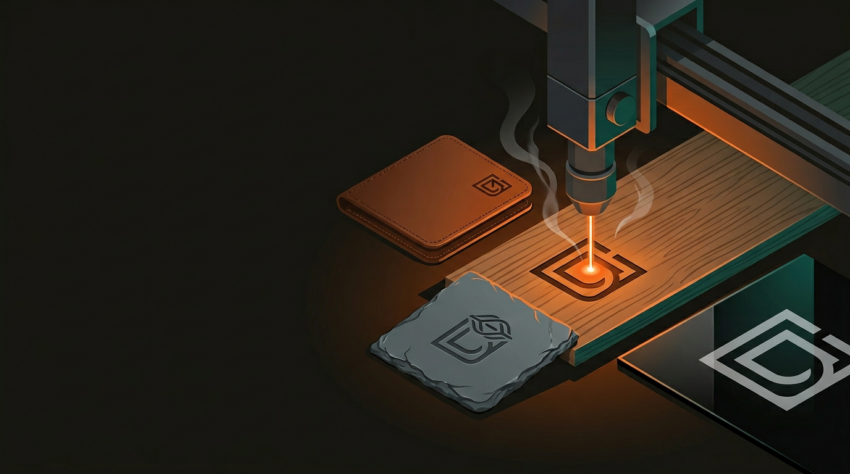
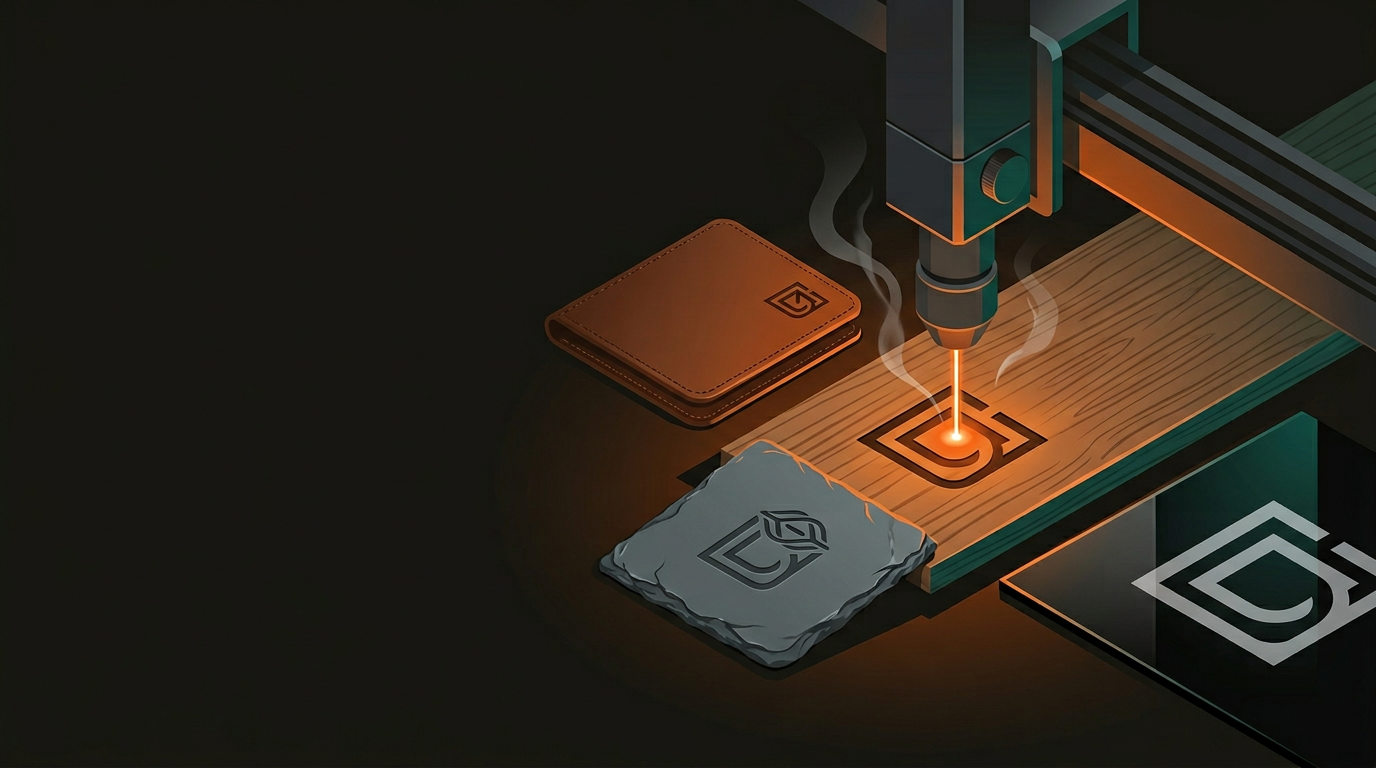
A sticker peels off. A printed label fades. An engraved logo is permanent — and for small NZ businesses competing against mass-produced imports, that permanence carries real commercial weight. Here’s what you need to know before your first engraving job.
Laser engraving is not a factory-only proposition. For small businesses — especially those where “locally made” and “handcrafted” are genuine marketing advantages — a clean engraved mark does something a printed label simply cannot. It integrates the brand directly into the product itself.
Engraving won’t peel, fade, or wash off — survives the dishwasher, rain, and years of daily use without degrading.
Five personalised gifts or five hundred retail products — the production process is identical, with no per-run setup changes required.
A well-engraved logo on timber or leather lifts perceived product value well beyond the cost of the engraving itself.
Wood, acrylic, leather, metal, slate, glass, fabric — the range of engravable substrates is genuinely wide.
For NZ businesses especially, where “made locally” and “handcrafted” carry real marketing weight, a clean engraved mark ties your brand identity directly to your product. It’s hard to fake that with a sticker.
Material choice shapes everything — aesthetics, durability, cost, and what’s technically achievable. Get it right and the rest follows. Get it wrong and you’re reprinting. Here’s how the main options perform:
Wood & Timber
- Best contrast: bamboo and MDF over pine
- Pine can be patchy due to grain variation
- Works for: chopping boards, retail inserts, packaging, gifts
- Smells excellent when cut — a free bonus
Cast Acrylic
- Engraves to a frosted white on clear or coloured stock
- Backlights beautifully — standard for illuminated signage
- Works for: awards, display pieces, trophies, signage
- Use cast, not extruded — cleaner engraving result
Leather
- Vegetable-tanned hides give the best result
- Synthetic and chrome-tanned leather is inconsistent
- Works for: wallets, keychains, journal covers, corporate gifts
- Tactile, elegant — hard to replicate by other means
Anodised Aluminium & Steel
- Anodised aluminium works with CO₂ lasers — strips to bright metal
- Bare steel needs a fibre laser or cermark marking paste
- Works for: bottle openers, tags, promo products, drink bottles
- Cermark gives a permanent black mark on stainless steel
Slate & Stone
- Laser lightens the surface — grey-white mark on dark stone
- Popular for personalised gifts and hospitality branding
- Works for: coasters, tiles, welcome packs, boutique accommodation
- Naturally varied — no two pieces are identical
Fabric & Textile
- Denim, canvas, and felt all engrave well
- Creates textured, branded effects without embroidery setup costs
- Works for: tote bags, apparel patches, workwear branding
- Test on a sample first — fabrics vary considerably
Your logo might look perfect on a business card. Engraving has different rules — the laser reads geometry, not pixels. Five things to understand before sending your artwork:
-
1
Work in vectors Supply artwork as .ai, .svg, or .dxf. Raster images (JPEGs, PNGs) work for photographic engraving but aren’t suitable for clean logo work. If you only have a raster logo, it needs to be traced or redrawn first.
-
2
Simplify fine detail Lines thinner than 0.3mm and text below 5–6pt tend to lose clarity when engraved, especially on textured materials. Bold, clean logos hold up. Hairline strokes need to be thickened before going anywhere near a laser.
-
3
Think contrast, not colour Engraving is monochrome — depth and texture, not hue. If your brand relies heavily on colour to communicate, you’ll need a single-colour version of your logo adapted specifically for engraving.
-
4
Consider reversing on dark materials On dark acrylic, engraving the background rather than the logo itself — leaving the logo raised — can give a far better visual result. Worth discussing with your engraving provider before committing to an approach.
-
5
Leave margins around your design Artwork that bleeds to the edge causes alignment headaches in production. A small buffer zone around the design — even 2–3mm — resolves this cleanly and avoids reprints.
Every design file gets reviewed before it goes anywhere near the laser. Most clients are surprised how often a small tweak makes a significant difference to the finished result.
These are the types of applications that show up regularly in engraving workshops across New Zealand — spanning industries, price points, and purposes:
Pricing shifts based on material, quantity, design complexity, and whether file prep is required. Quantity is the biggest cost lever — unit price drops considerably past 50–100 units, and setup is a one-off charge, so repeat orders get noticeably cheaper:
Small Run (1–50 units)
- Single item (keyring, coaster): $8–$25 each
- Small batch (20–50 units, timber tags): $3–$8 per unit
- Setup / file prep fee (one-off): $20–$60
- Custom acrylic signage (A4 size): $40–$120 per piece
- Turnaround: 3–7 business days from artwork approval
Volume Run (100+ units)
- Unit price drops to $1.50–$4 at 100+ units
- Setup cost amortised — repeat orders cost less again
- Material cost dominates pricing at scale
- Batching multiple SKUs in one run reduces cost further
- Rush options available for time-sensitive orders
The return on investment shows up in perception, not just product. For a modest outlay, engraved products sit in a categorically different tier — and in a competitive market, that gap matters more than most businesses realise.
GeoSaffer works with small NZ businesses across a wide range of industries and materials — from single personalised gifts to high-volume branded runs. Got a finished design ready to go? Bring it along. Still working out what you need? That’s half of what we do.
Get a quote from GeoSaffer →