Bluetooth Thermometer AppAndroid Display for Your HC-05 Project
Built as a companion to the HC-05 Bluetooth Thermometer project, this Android app turns raw serial temperature data into a live graphical display — no server, no Wi-Fi, no cloud required.
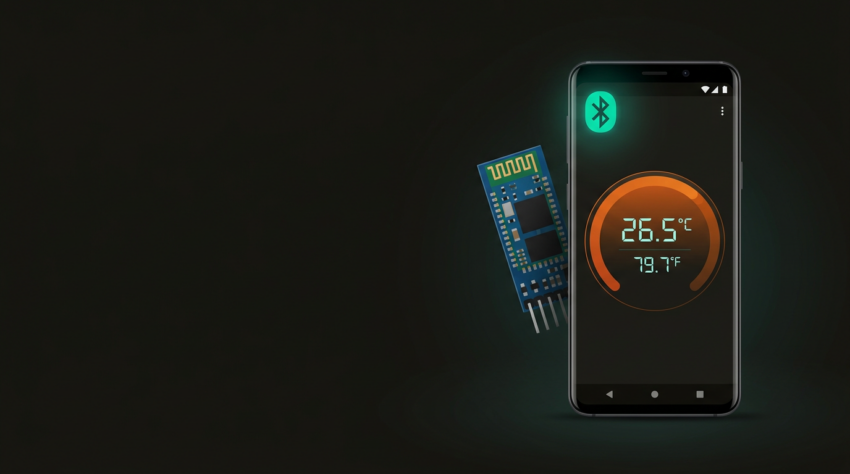
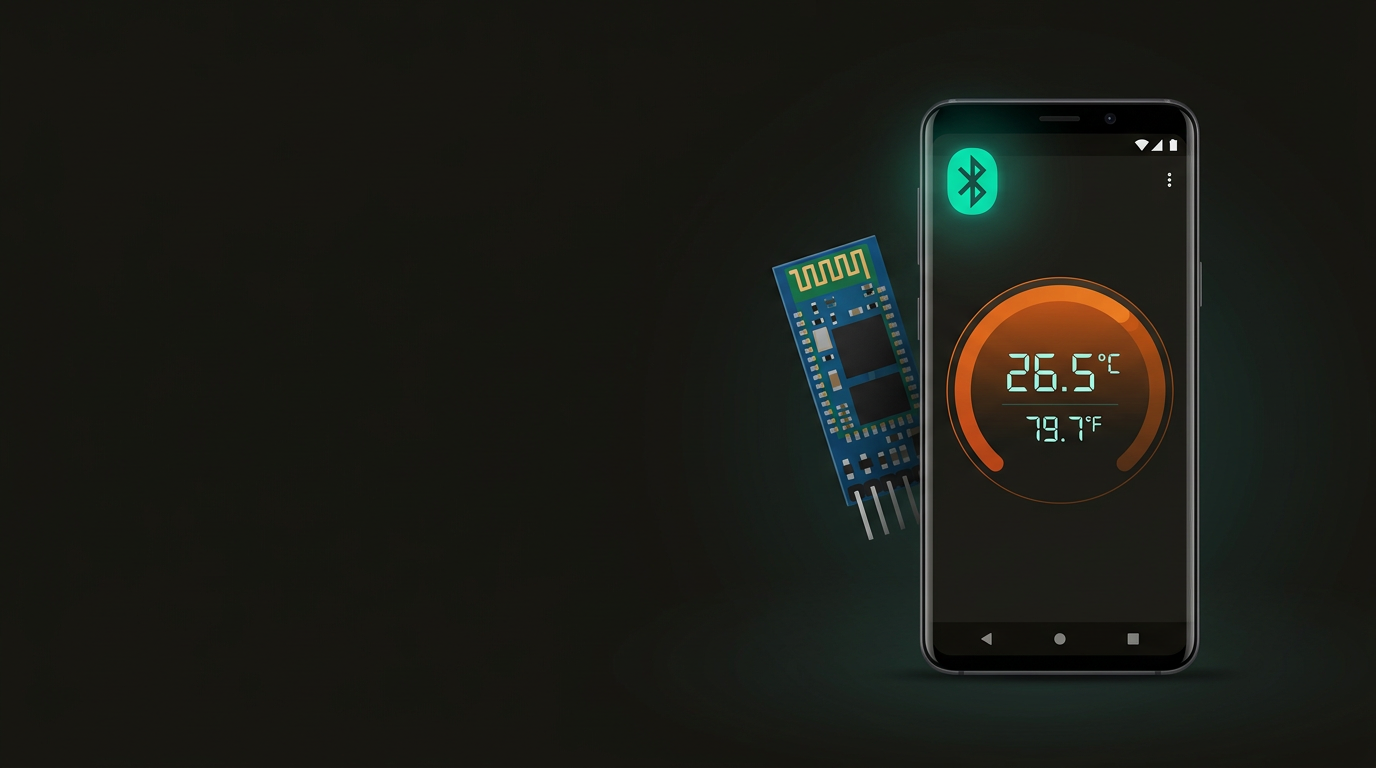
Visual thermometer gauge showing the current temperature in real time — both as a numerical readout and a graphical display that rises and falls with the sensor.
A live-updating line graph of the last 30 temperature readings. Useful for spotting trends, verifying sensor stability, or catching drift over time.
Manages the Bluetooth SPP connection end to end — lists paired devices, shows connection status, and attempts to reconnect automatically if the link drops.
Expects a decimal string — e.g. 23.56 — terminated with \r\n. This matches exactly what the companion Arduino sketch transmits at 9600 baud.
Under the hood, the connection uses Android’s RFCOMM BluetoothSocket API — the same mechanism that powers the Serial Port Profile (SPP). SPP maps a Bluetooth radio link onto a virtual serial port, giving both ends a straightforward input/output stream that behaves exactly like a UART. The Arduino sketch writes a temperature string to Serial.println(), the HC-05 relays it over the air, and Android reads it from a blocking InputStream — there is no handshaking, no framing protocol, and no custom pairing code to maintain.
This simplicity is the whole point. Because SPP is a point-to-point streaming link, adding more data types or changing the sample rate requires only a firmware tweak on the Arduino side — the app adapts automatically as long as the \r\n termination and decimal format remain consistent. The app connects using the standard SPP service UUID (00001101-0000-1000-8000-00805F9B34FB), so it will pair with any HC-05 or similarly configured Classic Bluetooth module without additional setup.
Hardware Side
- Arduino Uno or Nano
- HC-05 Bluetooth module
- DS18B20 one-wire temperature sensor
- 4.7 kΩ pull-up resistor for the data line
- Companion sketch running at 9600 baud, sending
\r\n-terminated decimal strings
Android Side
- Android 5.0 (Lollipop) or higher
- Bluetooth enabled on the device
- HC-05 paired via Android Settings → Bluetooth before opening the app
- At least one paired Bluetooth Classic device visible in the system list
The HC-05 operates at 3.3 V logic — if you’re wiring it directly to a 5 V Arduino Uno, include a voltage divider (1 kΩ + 2 kΩ) on the Arduino TX → HC-05 RX line to protect the module. The DS18B20 runs on the 1-Wire protocol, so a single data pin plus the 4.7 kΩ resistor to 3.3 V or 5 V is all the wiring needed on the sensor side. Full build instructions and the companion Arduino sketch are linked in the CTA below.
-
1
Pair the HC-05 in Android Settings. Go to Settings → Bluetooth → scan for new devices → select HC-05 → enter PIN 1234 (the HC-05 factory default). The module should appear in your paired devices list within a few seconds.
-
2
Open the Bluetooth Thermometer app. Tap the Bluetooth icon at the top of the screen to open the device picker. The app will only show devices that are already paired at the system level — it does not scan for unpaired devices.
-
3
Select HC-05 from the paired devices list. The app immediately attempts an RFCOMM connection using the standard SPP UUID. No PIN or passkey prompt appears at this stage — pairing was completed in Step 1.
-
4
Watch for the green connection indicator. Within 2–3 seconds the status indicator turns green and temperature readings begin updating on the thermometer page. If the indicator stays red, confirm the Arduino sketch is running and the HC-05 LED is flashing at roughly 2 Hz (data mode).
-
5
Switch to the Graph tab. Tap the Graph page to see the last 30 readings plotted on a rolling chart. The graph updates with each new data point — leave it running for a minute or two to see the trend line settle.
One practical note: the HC-05 LED blink pattern tells you its state at a glance. Fast blinking (~5 Hz) means it is in AT command mode or waiting for a connection. Slow blinking (~2 Hz) means it is connected and actively passing data. If you open the app and the LED is still fast-blinking, the connection attempt failed — check that the Arduino is powered and the sketch is running before trying again.
Works With
- HC-05 Bluetooth Classic module
- Any Bluetooth Classic 2.0 SPP-capable module
- Android 5.0 (Lollipop) and later
- UART serial data at any standard baud rate
\r\n-terminated decimal strings (e.g.23.56\r\n)
Does Not Work With
- HC-10, AT-09, HM-10, or any BLE module — they use GATT, not SPP
- iOS — Apple restricts legacy Bluetooth Classic access to MFi-certified hardware
- Non-decimal data formats
- Other termination characters (LF-only, CR-only, null byte) — at this time
The distinction between Bluetooth Classic and Bluetooth Low Energy (BLE) is the most common source of confusion here. The HC-05 is a Classic Bluetooth 2.0 device — it speaks SPP over RFCOMM. The HC-10, HM-10, and AT-09 modules are BLE devices — they use GATT characteristics and a completely different connection model. The two protocols are not interchangeable, and an app built for one will not connect to the other. If you have a BLE sensor module rather than an HC-05, you need a different app.
If you need iOS support, or if your project already uses a BLE module, a companion BLE app is available on both Google Play and the App Store. Support for additional termination strings (LF-only, custom delimiters) is planned for a future update.
The Bluetooth Thermometer app is free on Google Play. No ads, no account required.

Don’t have the hardware yet? The Bluetooth Thermometer project uses an Arduino Uno, an HC-05 module, and a DS18B20 sensor — and you can build it in an afternoon.
Build the Bluetooth Thermometer →