Rapid Prototyping for Hardware Startups
How to Iterate Faster in NZ
The gap between concept and investable prototype is where most hardware startups bleed momentum — and money. Closing it faster isn’t about working harder; it’s about matching the right fabrication method to the right stage of development.
Every design assumption you make is a hypothesis waiting to be tested. The faster you can build, test, and learn, the less likely you are to reach manufacturing with an expensive flaw baked into your design.
A useful benchmark: if your iteration cycle — design → build → test → revise — is taking more than a week per round, you’re moving too slowly. Teams that ship successful hardware often complete three to five iteration cycles in the time it takes others to complete one.
Compress the feedback loop between idea and physical reality — not just make things quickly.
One iteration cycle (design → build → test → revise) should complete in under a week.
Match the fabrication method to the development stage. Wrong tool for the stage = wasted time and budget.
Your first prototype doesn’t need to look good. It needs to answer one question: does the core mechanism or form factor actually work? Surface finish is irrelevant. Cycle time is everything.
FDM 3D printing is almost always the right call here — fast, cheap, and parts arrive in hours rather than days. Laser cutting is equally useful if your product involves flat components, panels, or enclosures.
Print at 30–50% infill for structural tests
Drop to 15–20% for form and fit checks only — you’ll save time and material without compromising the test.
Design for printability from the start
Overhangs beyond 45°, walls thinner than 1.2mm, and tight tolerances will cause failures. Address them in CAD, not after the print.
Keep files parametric
Changes in a parametric model take minutes. Changes in a fixed mesh take hours. Set this up at the start, not after your third revision.
Function before finish
Don’t sand, prime, or paint Stage 1 parts. If you’re spending time on aesthetics this early, you’re burning time you don’t have.
Once the core concept is validated, the next cycle is about refinement — how the product actually feels in use, how components interact, and whether ergonomics hold up when a real person uses it.
This is where fabrication method matters more, not less. Resin printing and CNC routing both earn their place here, and for different reasons.
Resin Printing
- Fine surface detail and tight tolerances
- Buttons, dials, and user-facing housing
- Parts that hands will touch frequently
- Higher cost per part — worth it at this stage
CNC Routing
- Structural parts where material properties matter
- Aluminium brackets, wooden enclosures, polymer panels
- Behaviour under real load — prints can’t replicate this
- Design for manufacture (DFM) testing at real scale
Stage 2 is also when DFM thinking needs to enter the picture — ideally before you’ve committed to a geometry, not after. Three questions worth asking at every revision:
Injection Moulding Readiness
- Can this geometry be moulded, or does it need to change?
- Draft angles present on all vertical faces?
- Wall thickness consistent across the part?
Component Consolidation
- Are multiple printed parts doing the job of one moulded part?
- Are there features easy to prototype but expensive at scale?
- Can the assembly be simplified before tooling is cut?
By the third major iteration you should be building something close to how the final product will actually be made. This is your validation prototype — the one you show to investors, use for pre-orders, or send out for user testing. It needs to look and behave like a real product.
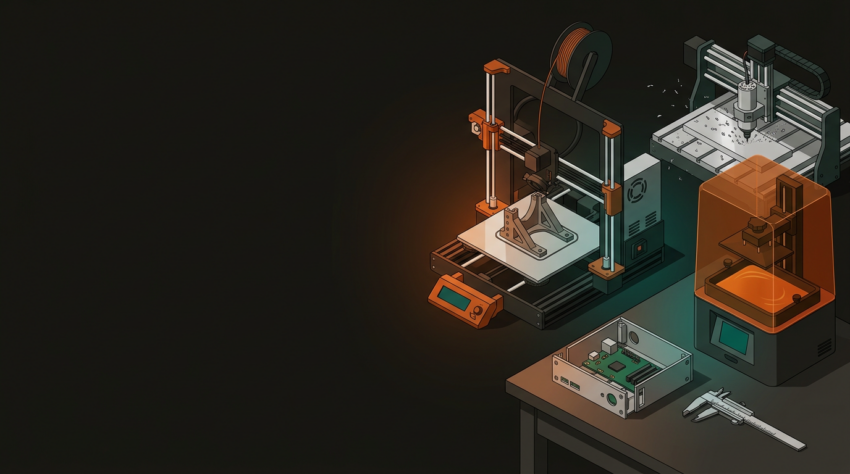
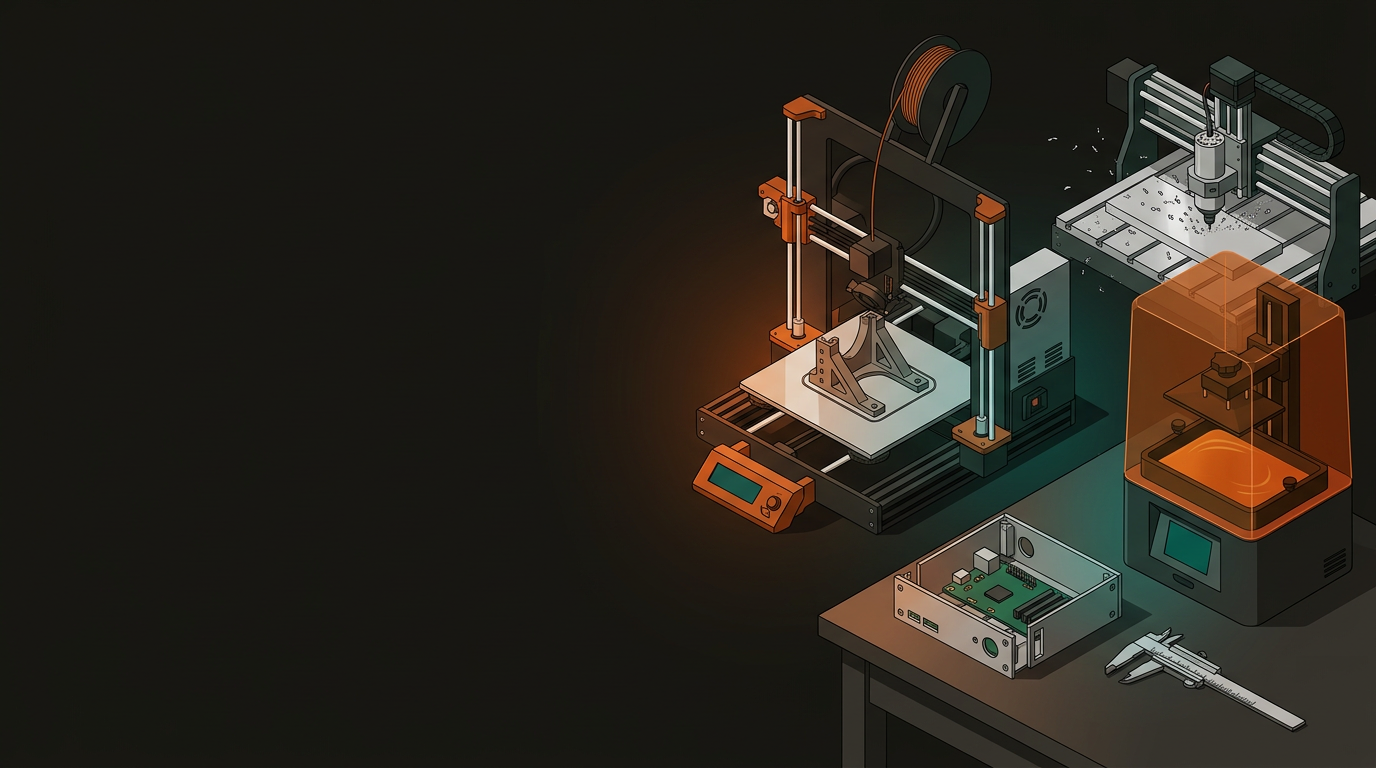
A product combining laser-cut acrylic panels, CNC-routed aluminium structural components, and 3D printed internal brackets — all produced in one place — removes the coordination overhead of managing multiple suppliers. When you’re iterating fast, that overhead costs more than people expect.
For products that include electronics (which is most of them), Stage 3 means bringing PCB-level work into the prototype properly. Don’t test your enclosure independently of the electronics it needs to house — a late-stage clash between PCB layout and physical housing is an entirely avoidable and expensive problem.
Electronics Integration
- Model PCB dimensions accurately in your enclosure CAD
- Allow 2–3mm clearance on all sides for thermal expansion and assembly
- Test connector positions and cable routing physically, not just in CAD
- Account for heat dissipation in enclosure geometry
Validation Checklist
- Assembly sequence documented and tested
- Cosmetic finish represents intended production quality
- User-facing interactions tested with non-technical users
- Structural load and drop testing completed
Prototyping costs have a way of blowing out without warning. The projects that stay on budget aren’t necessarily the ones with the most funding — they’re the ones with the most discipline about what gets built and when.
Budget per cycle, not per part
Assign a fixed budget to each iteration round — say $400–600 — and decide what the three most critical things to learn are. This forces prioritisation and prevents scope creep mid-cycle.
Only rebuild what’s changing
If one component changed between iteration two and three, rebuild that component. Modular prototype design is worth the upfront planning — it pays back within two cycles.
Cheap materials early, better materials late
PLA and MDF in iteration one. Engineering-grade filaments, aluminium, and resin when the design is close to final. Spending on material quality before the geometry is locked is waste.
Count your time, not just material cost
A $20 print requiring two hours of post-processing may cost more than a $60 professionally produced part that goes straight into testing. Factor labour into every build decision.
The jump from prototype to production is where hardware founders hit walls they didn’t see coming. Most of them are avoidable — provided you start thinking about them before you’re committed.
Document design intent, not just final files
Future engineers — or your future self six months from now — need to know why decisions were made, not just what they were. A one-page design intent summary per major revision is enough.
Test to failure, not just to function
Know your product’s limits before your customers find them. Structural failure, thermal limits, drop resistance — these should be tested deliberately, not discovered in the field.
Get supplier quotes early
Manufacturing lead times and tooling costs can reshape your business model. A mould that costs $15,000 and takes 10 weeks to produce is a very different constraint to one that costs $3,000 and takes three weeks. Better to know before you’re committed to the geometry.
Plan compliance requirements into your timeline
Depending on the product, you may need to meet NZ/Australian electrical safety standards, RoHS compliance, or other certifications. These are not afterthoughts — build them into your project plan before the design is locked.
GeoSaffer offers the full fabrication stack for NZ hardware startups — 3D printing, laser cutting, CNC routing, electronics, and the engineering experience to help you make smarter design decisions at every stage. Whether you’re at napkin sketch or late-stage validation, a conversation about where you’re at costs nothing.
Get in touch with GeoSaffer →