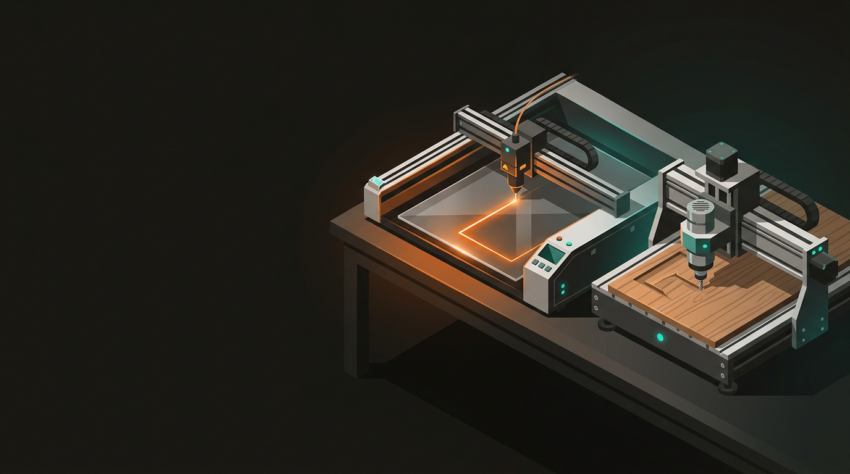
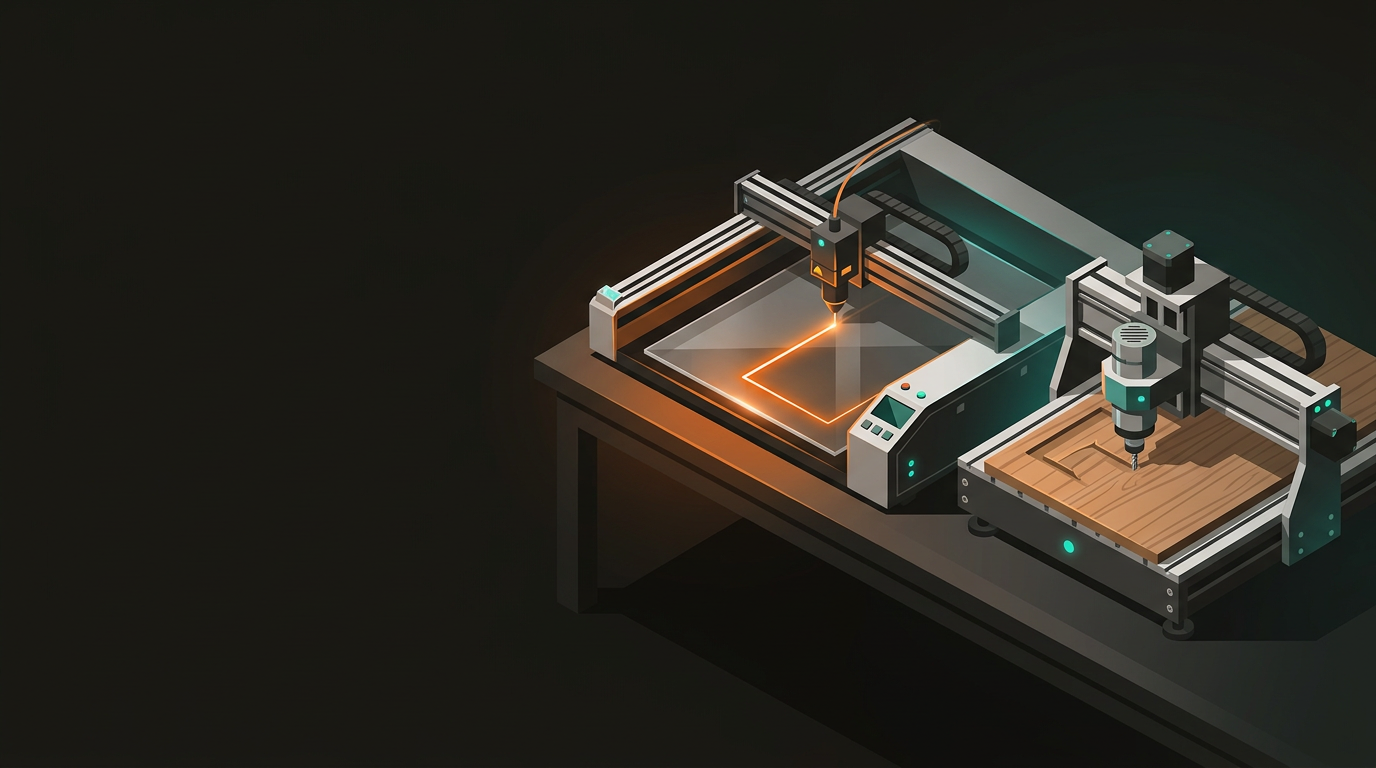
Laser Cutting vs CNC Routing Which technology should your NZ business choose?
Both laser cutting and CNC routing work from digital files and produce repeatable results. The difference is how they cut — and that distinction matters enormously depending on what you’re making. This is how to get it right the first time.
Understanding the physics explains everything else. The two processes are fundamentally different — and that determines which materials, thicknesses, and geometries each one handles well.
Laser Cutting
- Focused beam burns, melts, or vaporises material
- Nothing physically touches the workpiece
- Fast, precise, clean edges on suitable materials
- Fundamentally a 2D process — cuts through, doesn’t carve
- CO₂ for non-metals; fibre for metals
CNC Routing
- Spinning cutting bit mechanically removes material
- Can cut depth, carve profiles, and machine 3D shapes
- Handles thicker stock that a laser can’t touch
- Requires fixturing — cutting forces act on the workpiece
- Works on timber, plastics, aluminium, and composites
Laser cutting earns its place when precision, fine detail, and surface quality are what matter — particularly on thinner materials where speed and edge finish are critical.
Produces a flame-polished, optically clear edge straight off the machine. No sanding, no cleanup — ready to use immediately.
Steel and aluminium up to ~6 mm on fibre lasers. Tight tolerances (±0.1 mm) are routine on a decent setup.
Up to around 20 mm depending on the machine. Faster than routing for sheet work, though edges need sealing on MDF.
Branding, serial numbers, QR codes, decorative artwork. A CNC router can carve text, but it can’t touch a laser for fine engraving detail.
Where laser hits its limits: Laser cutting is a 2D process — it cuts through material, doesn’t carve pockets or 3D profiles. Highly reflective metals cause problems without a fibre laser. Push into thicker timber or heavy sheet goods and the laser either slows dramatically or taps out entirely.
CNC routing comes into its own with thicker materials, structural components, and anything that needs real geometry — depth, profiles, and complex contours a laser simply can’t produce.
12, 18, 25 mm — no issue. Furniture components, cabinet parts, flat-pack joinery, nested across full sheets efficiently.
Structural brackets, machine frames, mounting plates. Routers manage thicker stock without heat distortion becoming a problem.
Vacuum forming moulds, manufacturing jigs, routed signage with depth. If you need geometry, the router is the only option.
HDPE, Delrin, polypropylene — materials used for functional parts where mechanical properties matter more than visual finish.
Where CNC routing has limits: Routers are slower than lasers on thin sheet material. The cutting bit creates mechanical forces on the workpiece, so fixturing matters. Acrylic edges need sanding or polishing after routing — a laser leaves the same edge ready to use.
For most projects, the answer becomes clear quickly once you work through these in order.
Under 10 mm, laser is often faster and produces a cleaner result. Over 12 mm, the router becomes the more practical choice.
If yes — CNC router, full stop. Lasers are 2D cutting tools. This question alone resolves half of all decisions.
For acrylic, laser wins outright — polished edges off the machine. For timber, both produce good results depending on application.
Laser cutting is faster for high-volume 2D sheet work. CNC routing suits large-format sheet goods when parts are nested efficiently.
Leather, fabric, and rubber almost always go to the laser. Structural timber and thick engineering plastics almost always go to the router. Some materials make the decision for you.
Pricing shifts with job complexity, material, and volume — but the biggest cost driver for both technologies is file preparation. Clean, properly dimensioned files that are genuinely ready to cut save everyone time, and save you money.
Laser Cutting
- Lower setup costs — no tooling required
- Economical even for single pieces
- Material cost is the main variable (acrylic and sheet metal prices swing significantly)
- DXF or SVG files, clean closed vectors
CNC Routing
- Per-part costs competitive at volume, particularly for timber
- Setup slightly longer — a clean CAM workflow keeps it modest
- DXF, DWG, or CAM-ready files (Fusion 360)
- Include material, thickness, and finish requirements in the file
Laser cutting and CNC routing aren’t competing options — they’re complementary, and the best projects frequently use both. A typical workflow: CNC route the structural framework and main panels from 18 mm plywood, then laser cut acrylic inserts, decorative overlays, and engraved labels to finish the job. The result is more refined than either process could deliver alone.
Having both capabilities under one roof means no project gets forced into the wrong process because that’s all a supplier can offer. No shipping between vendors, no gaps in communication, no version of events where the laser shop and the routing shop are working from different drawings.
GeoSaffer’s team in Auckland runs both laser cutting and CNC routing day in, day out. If you’re not sure which technology suits your project — or if the answer is a combination of both — send through your details and get a straight recommendation, not a sales pitch.
Talk to GeoSaffer about your project →